

.png)

PAM 101: how to get the family admin out of your head

PAM is a personal assistant for your household. You can send her the invite, the school newsletter, the thing you'll need to remember next March, and she puts it in the calendar, adds the jobs that come with it and reminds whoever needs reminding.
We wrote this for anyone who's just signed up, or who's been using PAM for a while and suspects they're missing half of it.
Sending things to PAM
Use whatever's closest to hand. In PAM chat you can type, record a voice note, or send a photo. Blurry photos of crumpled notes are fine. Screenshots work too. The school app, the sports club app, a message in the group chat: screenshot it and send it over.
You can also forward emails to pam@mypam.co. If you get family stuff at a work address (or that one from 2004), add it to your profile and forward from there as well. WhatsApp is also a great way to interact with PAM and handy for voice notes in the car.

What she does with it
Send PAM a photo of a party invite and you'll get the party in your calendar, a task to RSVP, and a reminder to buy a present a week before. Forward a flight booking and she'll add the flights, remind you to check in, and ask whether everyone's passport is still valid. That last one has saved a few holidays.
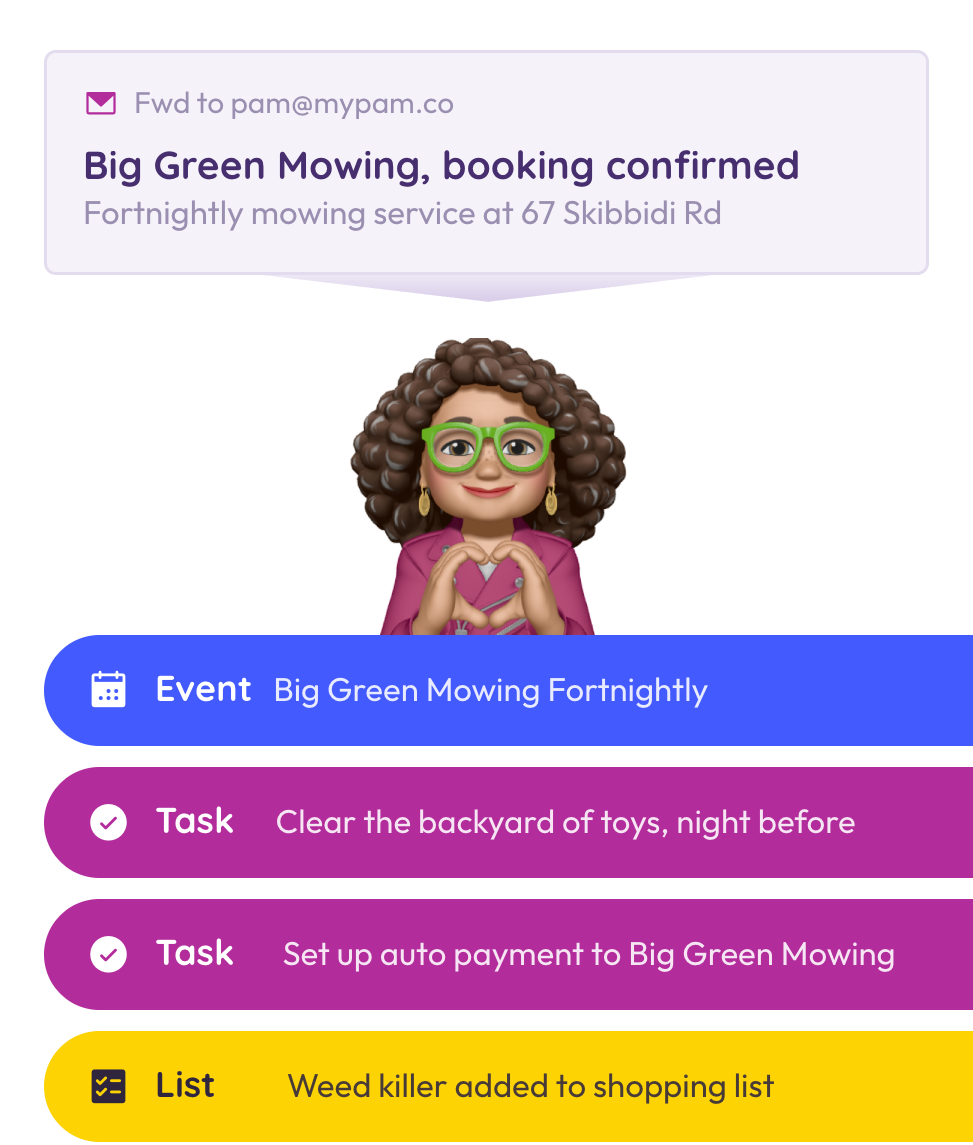
A lawn-mowing confirmation turns into a fortnightly event, plus a note to clear the toys off the grass the night before, and the compost for the veggie garden goes on the shopping list. Insurance renewals, vet reminders and your mum's Christmas plan (all 18 steps of it) get the same treatment.
Things people don't realise PAM can do
Ask her for a meal plan. Mention the dietary stuff, what's already in the fridge, and that one child only eats beige food at the moment. You'll get a week of dinners and a shopping list, and each meal goes in the calendar with the recipe and whoever's cooking that night.
Notes are handy for the stuff everyone asks you about: the plumber's number, the wifi password, or how the oven works.
And you can make events and tasks private, so the surprise stays a surprise.
Keeping your own calendars
You don't need to give up Google, Outlook or Apple. Connecting them takes about 30 seconds. Once they're in, PAM will warn you about a clash before you book something new. You decide whether each calendar is visible to the family or only to you. Work calendars can go in too, if your IT team allows it.
School
School newsletters can run to 27 pages. Forward yours to pam@mypam.co and PAM will pull out the dates and jobs. You tick the ones that apply to your kids and she adds them. Sports team notices and work rosters work the same way. Read more on the summariser.
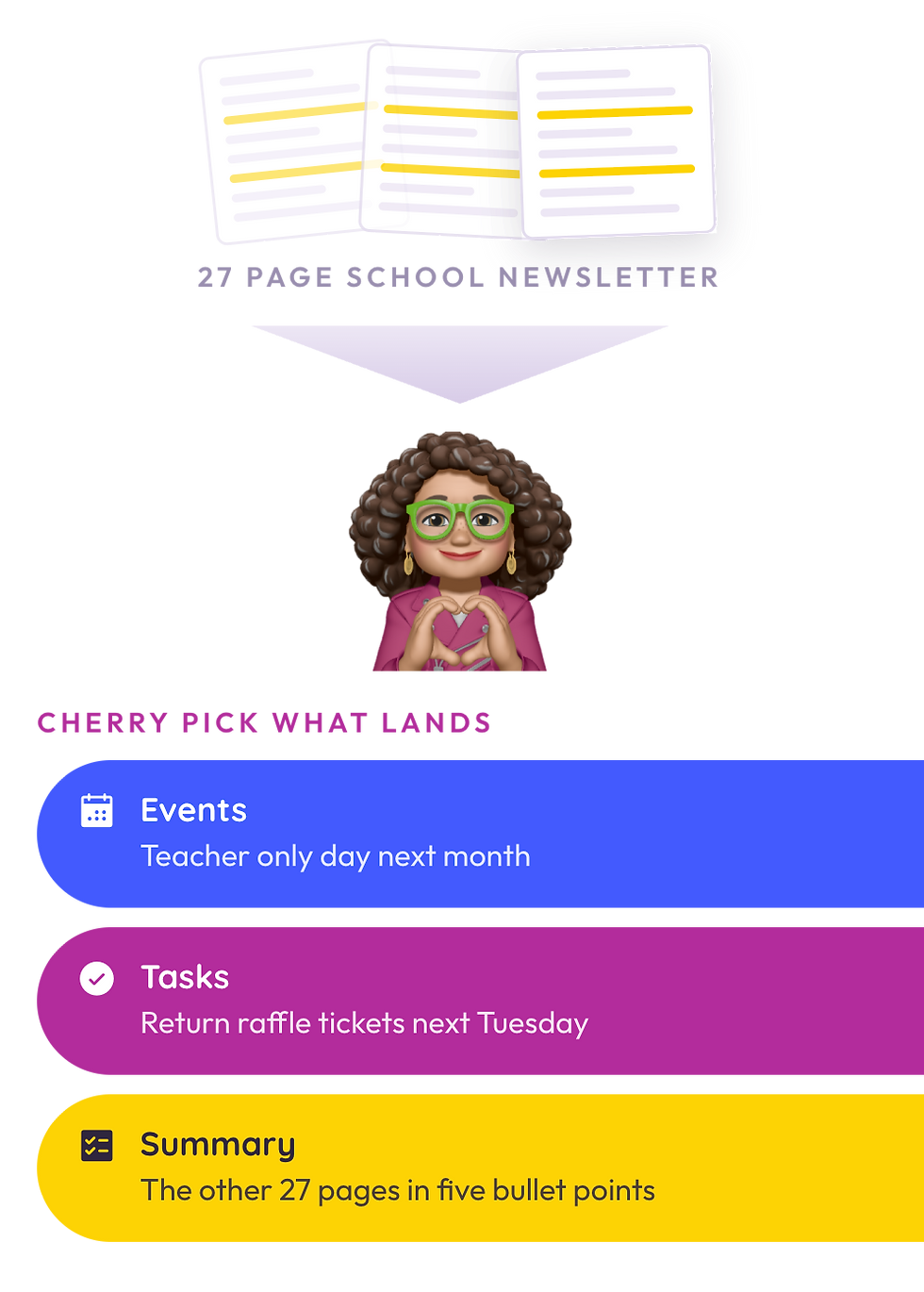
We've also loaded thousands of school calendars into PAM, and term dates and teacher-only days will show up on their own.
It's worth telling PAM each child's year, class and syndicate. The more she knows, the better she gets at ignoring what doesn't apply to you.
The rest of the household
Give everyone in the house a profile, pets included. Tag things to the people they belong to, then filter the calendar when you want to see just one person's week.
Nobody else has to sign up, but also you can invite people to join the fun. Some people will only ever be a name on a profile, and that's fine: you can still see what's theirs. Others might want WhatsApp messages about anything assigned to them, without having to install the app. Then there are the ones who'll want their own account so they can forward their own emails.
PAM can run on a tablet on the kitchen bench, which makes a good replacement for the fridge calendar. Everyone can see their day, and the kids can look up their own chores.
People outside your house
For birthday parties and picnics, send a shared event link. Guests RSVP in one place and PAM reminds them of the details closer to the day. Paper invites tend to spend a week at the bottom of a school bag.
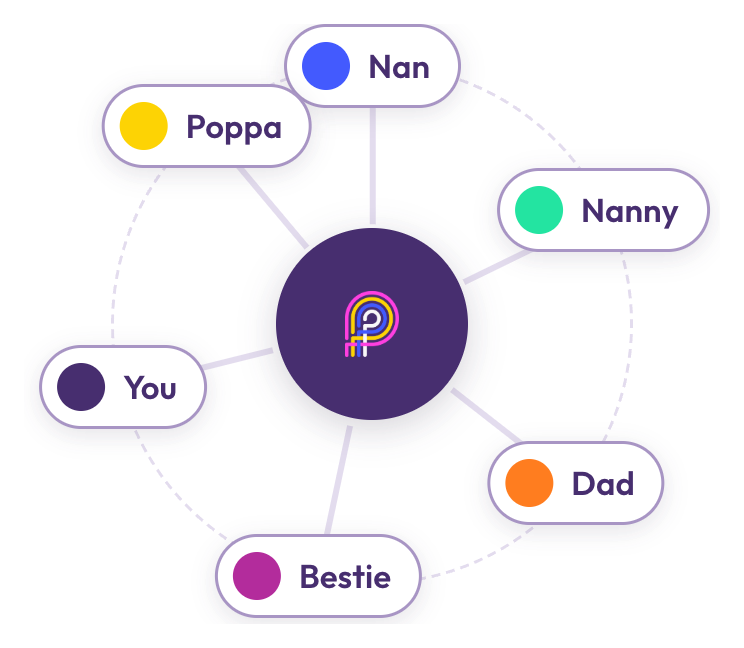
Grandparents, nannies and the kids' other parent can link their own PAM accounts to yours. You can tag each other without handing over your whole calendar, and if the kids split time between two homes, both sides can see what's on for them.
Phone, tablet or laptop
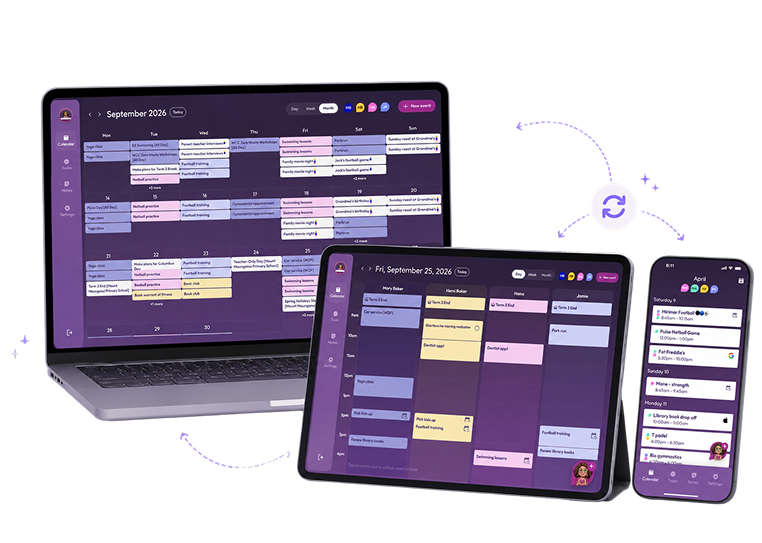
PAM has an app, and it also runs in the browser at web.mypam.co if you'd rather not download anything. The laptop is best for a proper Sunday night planning session.
You also choose how PAM gets in touch. That might be WhatsApp, push notifications or email, and it can be as often or as rarely as you like. Some people want a weekly summary and nothing more.
Free and paid
The free plan covers the basics. PAM Connect is the paid plan. It gets you PAM working fully as your PA, including the newsletter summaries, plus connected Google, Outlook and Apple calendars and more than one family member.
If you get stuck
The Help Centre has a guide for every setting, and the PAM Facebook group is the place for parents to swap tips. You can also email us at hello@mypam.co. We'll help you move your current system across, and we read every suggestion.


Comments